Introduction
Mobile photography has evolved dramatically over the past few years. Smartphones now capture high-resolution images with advanced camera systems, allowing photographers, creators, influencers, and businesses to produce professional-quality content without carrying expensive equipment.
However, capturing a great photo is only the first step. Professional editing transforms a good image into one that stands out on social media, websites, marketing campaigns, and personal portfolios.
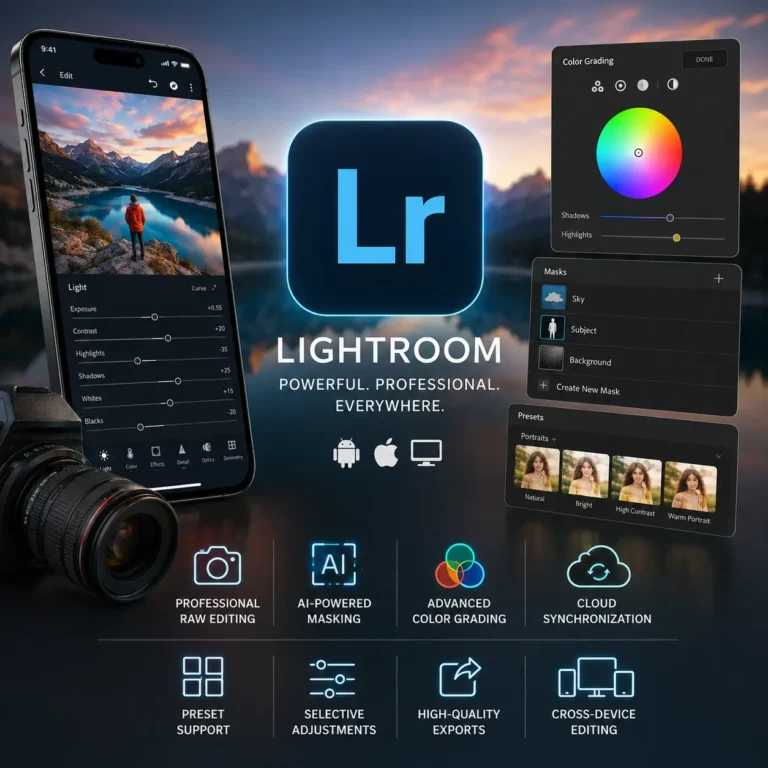
One of the most trusted photo editing applications available today is Lightroom Mobile from Adobe. Designed for both beginners and experienced photographers, Lightroom offers powerful editing tools, cloud synchronization, RAW image support, AI-powered masking, and professional color grading—all from a mobile device.
This guide explains everything you need to know about Lightroom Mobile, including its features, editing workflow, professional tools, and practical tips to improve your photography.

Key Features of Lightroom Mobile
1. Professional RAW Photo Editing
RAW files contain significantly more image data than standard JPEG files. Lightroom allows photographers to recover highlights, lift shadows, adjust white balance, and preserve fine details with impressive accuracy.
This makes it ideal for landscape photography, portraits, travel photography, wildlife photography, and commercial projects.
2. Non-Destructive Editing
Every edit is saved as a set of instructions rather than permanently changing the original image.
This allows you to:
- Undo edits at any time.
- Experiment with different styles.
- Create multiple versions of the same image.
- Preserve original image quality.
3. AI Masking Tools
Modern versions of Lightroom include intelligent masking features that automatically detect subjects, skies, backgrounds, and objects.
These tools help users make precise adjustments without manually selecting every area of the photo.
Examples include:
- Subject masking
- Sky masking
- Background masking
- Object selection
- Brush masking
4. Professional Color Grading
Color plays a major role in photography.
Lightroom offers advanced color controls, including:
- White Balance
- Temperature
- Tint
- Vibrance
- Saturation
- HSL (Hue, Saturation, Luminance)
- Color Mixer
- Color Grading Wheels
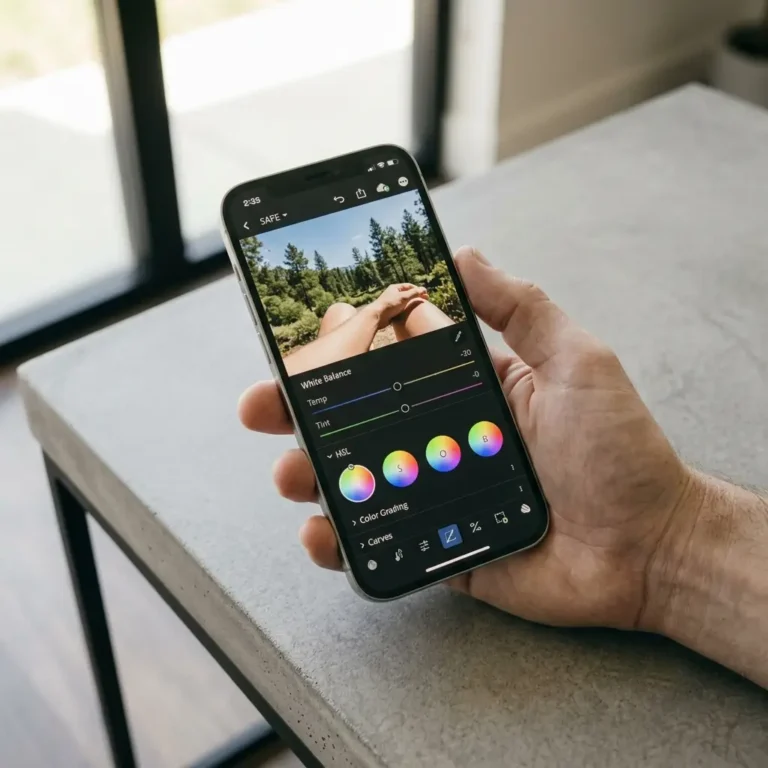
These tools help photographers create everything from natural edits to dramatic cinematic looks.
5. Presets for Faster Editing
Presets are saved editing settings that can instantly apply a consistent style across multiple images.
Creators often use presets to maintain a recognizable visual identity on platforms like Instagram, travel blogs, or portfolio websites.
While presets can save time, adjusting them to suit each individual photo usually produces the best results.
6. Detail Enhancement
Lightroom includes professional tools for improving image clarity and quality.
These include:
- Sharpening
- Noise Reduction
- Texture
- Clarity
- Dehaze
Used carefully, these adjustments can make images appear cleaner and more detailed without looking unnatural.
7. Export Options
After editing, Lightroom allows users to export images in different resolutions and formats suitable for social media, websites, printing, or client delivery.
Choosing the right export settings helps maintain image quality while balancing file size for the intended use.
What Is Lightroom Mobile?
Adobe Lightroom is a professional photo editing and image management application developed by Adobe. It allows users to organize, edit, and enhance photographs using non-destructive editing, meaning the original image always remains unchanged.
Unlike many simple photo editing apps, Lightroom is built around a professional workflow. Every adjustment—from exposure and contrast to color grading and masking—can be modified at any time without permanently altering the original photo.
Because of this flexibility, Lightroom has become one of the most popular editing tools among photographers, travel bloggers, content creators, wedding photographers, digital artists, and social media professionals.
What Is Lightroom MobiWhy Millions of Creators Choose Lightroomle?
Lightroom has earned its reputation by combining professional editing capabilities with an intuitive interface. Users appreciate its balance between powerful features and ease of use.
Some of the reasons creators choose Lightroom include:
- Professional-quality photo editing
- Non-destructive editing workflow
- RAW photo support
- AI-powered masking tools
- Advanced color grading
- Cloud synchronization across devices
- High-quality export options
- Professional presets
- Selective editing
- Easy organization of large photo libraries

Who Should Use Lightroom Mobile?
Lightroom is suitable for a wide range of users, including:
- Beginner photographers
- Professional photographers
- Social media creators
- Influencers
- Bloggers
- Small business owners
- Graphic designers
- Marketing professionals
- Students learning photography
- Anyone who wants greater creative control over their images
Why Lightroom Stands Out
Many photo editing apps offer filters and quick effects, but Lightroom focuses on giving users precise control over every aspect of an image. Its professional editing workflow, powerful adjustment tools, and consistent results have made it a trusted choice for creators around the world.
Whether you’re editing travel photos, portraits, product images, or content for social media, Lightroom provides the tools needed to achieve polished and professional results.